ExploreModels
Pricing
Explore

Telestyle V2 Style Transfer

All image to image models
Image to Image

Restyle any image with TeleStyle v2 — provide an original image and a styling reference, and the model re-renders the original in the reference's visual style while preserving its content and composition.

Inference$ Commercial useFrom 3 credits per run

About Telestyle V2 Style Transfer

Restyle any image with TeleStyle v2 — provide an original image and a styling reference, and the model re-renders the original in the reference's visual style while preserving its content and composition.

stylizedtransformediting

Pricing

A run with the default settings costs 3 credits. The exact cost updates in the playground as you change settings, and you're only charged when you press Run. Failed runs are refunded automatically.

Inputs
content_image_urlfilerequired

URL of the content image — the image whose subject and structure are preserved while the style is applied.

style_image_urlfilerequired

URL of the style reference image — the artistic style, material, lighting and color of this image are transferred onto the content image.

lora_scalenumberdefault: 1

Strength of the TeleStyleV2 style adapter. 1.0 matches the reference implementation; lower values apply the style more subtly.

use_lightning_lorabooleandefault: true

If true, use the Lightning LoRA in addition to the default LoRA.

lightning_lora_scalenumberdefault: 1

Strength of the Lightning LoRA. 1.0 matches the reference implementation; lower values apply the style more subtly.

use_content_descriptionbooleandefault: true

If true, describe the content image with a VLM and add the description to the prompt.

use_style_descriptionbooleandefault: true

If true, describe the style image with a VLM and add the description to the prompt.

image_sizeselect

The size of the generated image. If not provided, the size of the content image is used.

Options: square_hd, square, portrait_4_3, portrait_16_9, landscape_4_3, landscape_16_9

negative_prompttextareadefault: ""

The negative prompt for the generation.

num_inference_stepsintegerdefault: 4

The number of inference steps to perform.

guidance_scalenumberdefault: 1

The CFG (Classifier Free Guidance) scale is a measure of how close you want the model to stick to your prompt.

accelerationselectdefault: "none"

Acceleration level for image generation. 'none' (the default) honors the requested num_inference_steps, so the default 4-step Lightning configuration runs in 4 steps. 'regular' engages the downstream accelerated path, which runs a fixed 10 steps regardless of num_inference_steps.

Options: none, regular

num_imagesintegerdefault: 1

The number of images to generate.

seedinteger

The same seed and the same inputs given to the same version of the model will output the same image every time.

sync_modebooleandefault: false

If `True`, the media will be returned as a data URI and the output data won't be available in the request history.

enable_safety_checkerbooleandefault: true

If set to true, the safety checker will be enabled.

output_formatselectdefault: "png"

The format of the generated image.

Options: jpeg, png

Nano Banana Pro
Nano Banana Pro

Nano Banana Pro is Google's new state-of-the-art image generation and editing model
realismtypography
image-to-image
Nano Banana 2
Nano Banana 2

Nano Banana 2 is Google's new state-of-the-art image generation and editing model
image-to-image
Nano Banana 2.1 Edit

Nano Banana 2.1 Edit by Google transforms reference images using text instructions, with output resolutions up to 4K and optional video or PDF context.
image editingimage to image
image-to-image
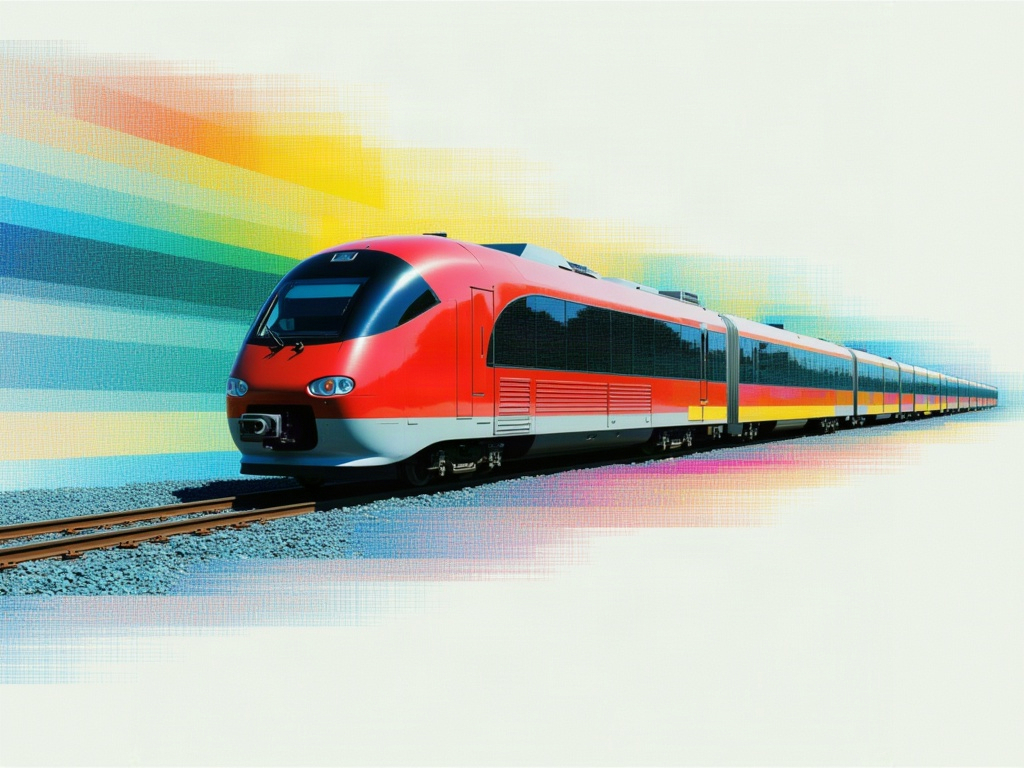
GPT Image 2.5 Sunburst Edit

Editing built for the tightest control, edits scoped precisely to the instruction, with subject and composition preserved across many rounds of revision.
stylizedtransform
image-to-image
GPT Image 2.6 Sunburst Edit✦ new
GPT Image 2.6 Sunburst Edit

Editing built for the tightest control, edits scoped precisely to the instruction, with subject and composition preserved across many rounds of revision.

stylizedtransform
image-to-image
GPT Image 2 API
GPT Image 2 API

GPT Image 2, OpenAI's latest image model, is capable of making fine-grained, detailed edits to images.

gpt-image-2openai
image-to-image
Nano Banana
Nano Banana

Google's famous original image generation and editing model
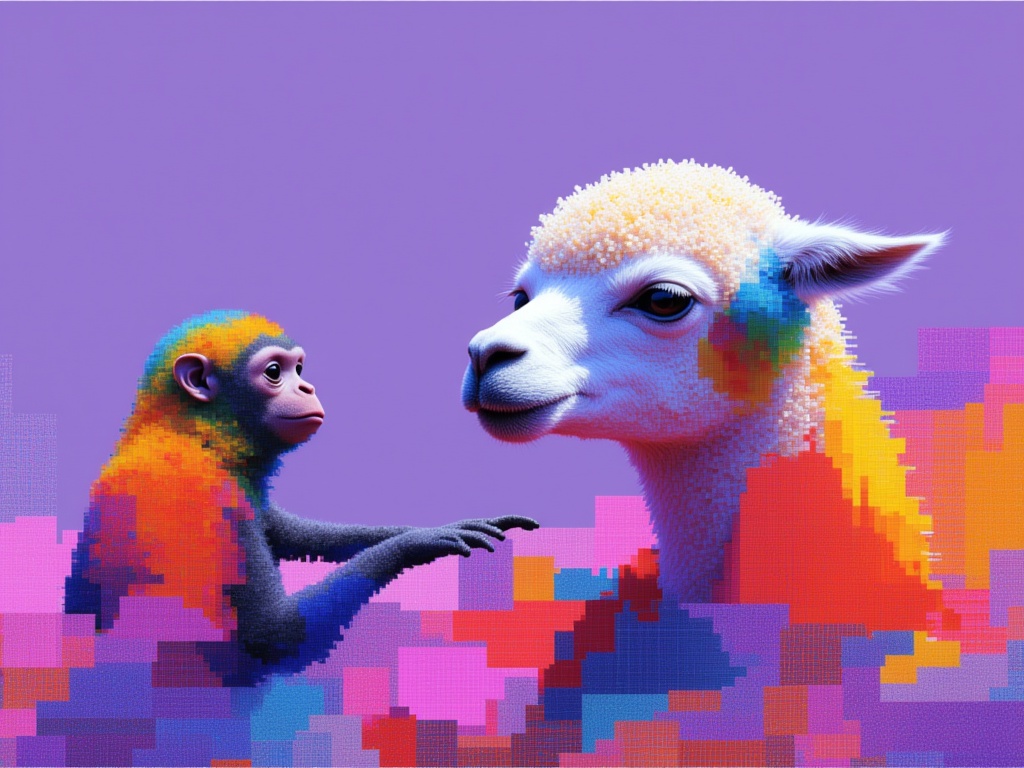
image-editing
image-to-image
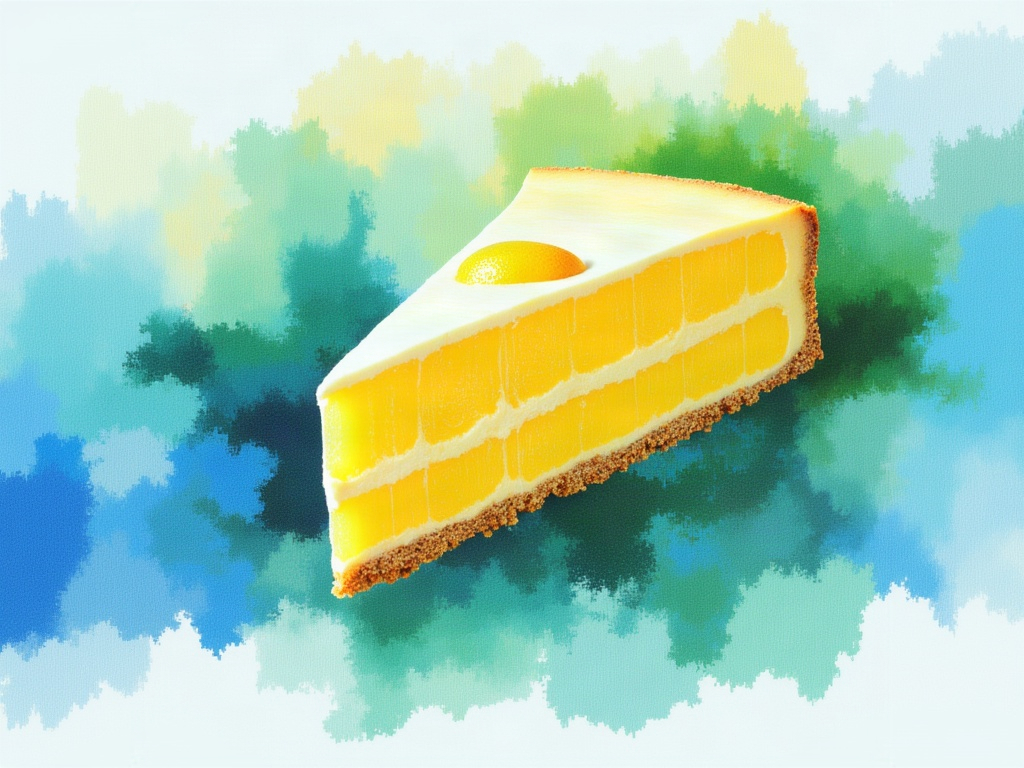
GPT Image 2.5 Flare Edit

Precise image editing that changes only what's asked, keeping subject, composition, and background intact, with reference subjects staying recognizable across styles and successive edits.
stylizedtransform
image-to-image
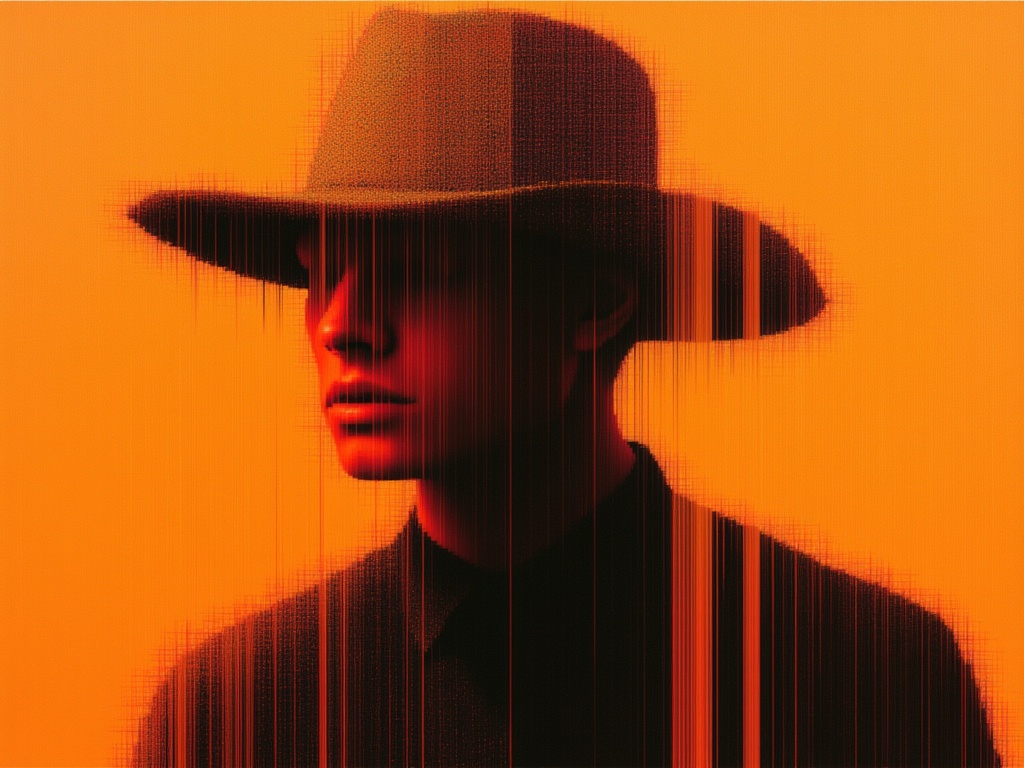
GPT Image 2.6 Flare Edit✦ new
GPT Image 2.6 Flare Edit

Precise image editing that changes only what's asked, keeping subject, composition, and background intact, with reference subjects staying recognizable across styles and successive edits.
stylizedtransform
image-to-image
Seedream 5.0 Pro Image Editing

Seedream 5.0 Pro is grounded, region-precise image editing model that changes one element while keeping the rest of the frame intact with layer separation, sketch completion, and up to 10 reference images.

realismtypography
image-to-image
SeedVR2
SeedVR2

Use SeedVR2 to upscale your images

upscale
image-to-image
FLUX.1 Kontext [pro]

FLUX.1 Kontext [pro] handles both text and reference images as inputs, seamlessly enabling targeted, local edits and complex transformations of entire scenes.

image-to-image