ExploreModels
Pricing
Explore

Post Processing

All image to image models

Post Processing is an endpoint that can enhance images using a variety of techniques including grain, blur, sharpen, and more.

Inference$ Commercial useFrom 1 credit per run

About Post Processing

Post Processing is an endpoint that can enhance images using a variety of techniques including grain, blur, sharpen, and more.

stylizedutility

Pricing

A run with the default settings costs 1 credits. The exact cost updates in the playground as you change settings, and you're only charged when you press Run. Failed runs are refunded automatically.

Inputs

image_urlfilerequired

URL of image to process

enable_grainbooleandefault: false

Enable film grain effect

grain_intensitynumberdefault: 0.4

Film grain intensity (when enabled)

grain_scalenumberdefault: 10

Film grain scale (when enabled)

grain_styleselectdefault: "modern"

Style of film grain to apply

Options: modern, analog, kodak, fuji, cinematic, newspaper

enable_color_correctionbooleandefault: false

Enable color correction

temperaturenumberdefault: 0

Color temperature adjustment

brightnessnumberdefault: 0

Brightness adjustment

contrastnumberdefault: 0

Contrast adjustment

saturationnumberdefault: 0

Saturation adjustment

gammanumberdefault: 1

Gamma adjustment

enable_chromaticbooleandefault: false

Enable chromatic aberration

red_shiftintegerdefault: 0

Red channel shift amount

red_directionselectdefault: "horizontal"

Red channel shift direction

Options: horizontal, vertical

green_shiftintegerdefault: 0

Green channel shift amount

green_directionselectdefault: "horizontal"

Green channel shift direction

Options: horizontal, vertical

blue_shiftintegerdefault: 0

Blue channel shift amount

blue_directionselectdefault: "horizontal"

Blue channel shift direction

Options: horizontal, vertical

enable_blurbooleandefault: false

Enable blur effect

blur_typeselectdefault: "gaussian"

Type of blur to apply

Options: gaussian, kuwahara

blur_radiusintegerdefault: 3

Blur radius

blur_sigmanumberdefault: 1

Sigma for Gaussian blur

enable_vignettebooleandefault: false

Enable vignette effect

vignette_strengthnumberdefault: 0.5

Vignette strength (when enabled)

enable_parabolizebooleandefault: false

Enable parabolize effect

parabolize_coeffnumberdefault: 1

Parabolize coefficient

vertex_xnumberdefault: 0.5

Vertex X position

vertex_ynumberdefault: 0.5

Vertex Y position

enable_tintbooleandefault: false

Enable color tint effect

tint_strengthnumberdefault: 1

Tint strength

tint_modeselectdefault: "sepia"

Tint color mode

Options: sepia, red, green, blue, cyan, magenta, yellow, purple, orange, warm, cool, lime, navy, vintage, rose, teal, maroon, peach, lavender, olive

enable_dissolvebooleandefault: false

Enable dissolve effect

dissolve_image_urlfiledefault: ""

URL of second image for dissolve

dissolve_factornumberdefault: 0.5

Dissolve blend factor

enable_dodge_burnbooleandefault: false

Enable dodge and burn effect

dodge_burn_intensitynumberdefault: 0.5

Dodge and burn intensity

dodge_burn_modeselectdefault: "dodge"

Dodge and burn mode

Options: dodge, burn, dodge_and_burn, burn_and_dodge, color_dodge, color_burn, linear_dodge, linear_burn

enable_glowbooleandefault: false

Enable glow effect

glow_intensitynumberdefault: 1

Glow intensity

glow_radiusintegerdefault: 5

Glow blur radius

enable_sharpenbooleandefault: false

Enable sharpen effect

sharpen_modeselectdefault: "basic"

Type of sharpening to apply

Options: basic, smart, cas

sharpen_radiusintegerdefault: 1

Sharpen radius (for basic mode)

sharpen_alphanumberdefault: 1

Sharpen strength (for basic mode)

noise_radiusintegerdefault: 7

Noise radius for smart sharpen

preserve_edgesnumberdefault: 0.75

Edge preservation factor

smart_sharpen_strengthnumberdefault: 5

Smart sharpen strength

smart_sharpen_rationumberdefault: 0.5

Smart sharpen blend ratio

cas_amountnumberdefault: 0.8

CAS sharpening amount

enable_solarizebooleandefault: false

Enable solarize effect

solarize_thresholdnumberdefault: 0.5

Solarize threshold

enable_desaturatebooleandefault: false

Enable desaturation effect

desaturate_factornumberdefault: 1

Desaturation factor

desaturate_methodselectdefault: "luminance (Rec.709)"

Desaturation method

Options: luminance (Rec.709), luminance (Rec.601), average, lightness

More from Post Processing

Post Processing Sharpen

Apply sharpening effects with three modes: basic unsharp mask, smart sharpening with edge preservation, and Contrast Adaptive Sharpening (CAS).

stylizedtransform
image-to-image
Post Processing Color Correction

Adjust color temperature, brightness, contrast, saturation, and gamma values for color correction.

stylizedtransform
image-to-image
Post Processing Blur

Apply Gaussian or Kuwahara blur effects with adjustable radius and sigma parameters

stylizedtransform
image-to-image
Post Processing Grain

Apply film grain effect with different styles (modern, analog, kodak, fuji, cinematic, newspaper) and customizable intensity and scale

stylizedtransform
image-to-image
Post Processing Color Tint

Apply various color tints (sepia, red, green, blue, cyan, magenta, yellow, purple, orange, warm, cool, lime, navy, vintage, rose, teal, maroon, peach, lavender, olive) with adjustable strength.

stylizedtransform
image-to-image
Post Processing Desaturate

Reduce color saturation using different methods (luminance Rec.709, luminance Rec.601, average, lightness) with adjustable factor.

stylizedtransform
image-to-image
Post Processing Dodge Burn

Apply dodge and burn effects with multiple modes and adjustable intensity.

stylizedtransform
image-to-image
Post Processing Dissolve

Blend two images together using smooth linear interpolation with a configurable blend factor.

stylizedtransform
image-to-image
Post Processing Chromatic Aberration

Create chromatic aberration by shifting red, green, and blue channels horizontally or vertically with customizable shift amounts.

stylizedtransform
image-to-image
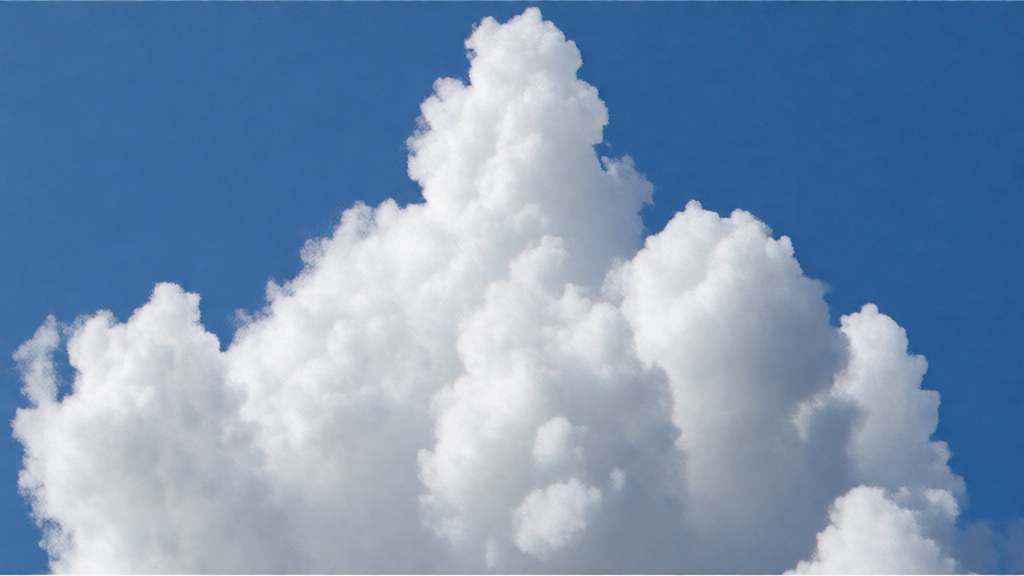
Post Processing Parabolize

Apply a parabolic distortion effect with configurable coefficient and vertex position.
stylizedtransform
image-to-image
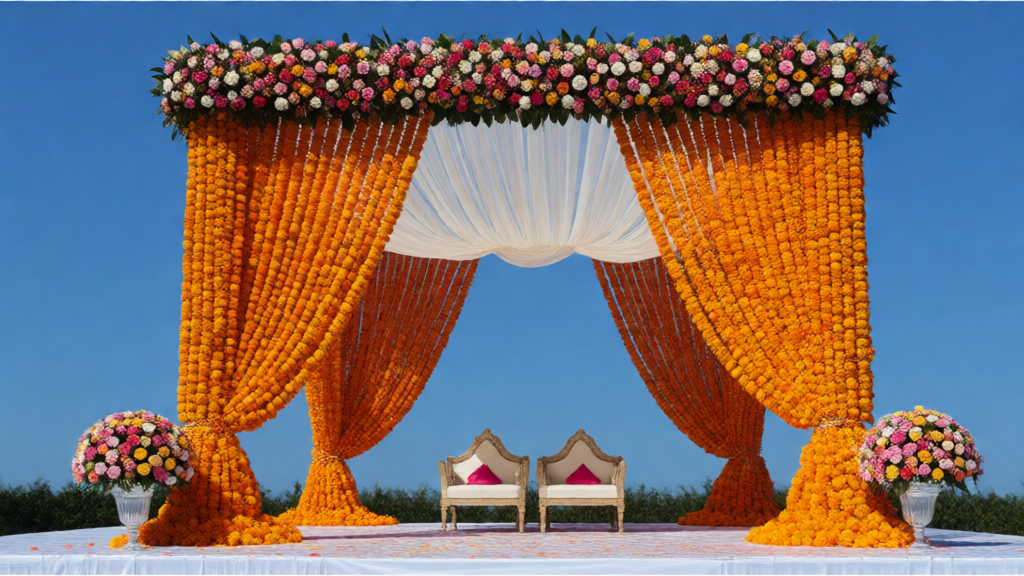
Post Processing Solarize

Apply solarization effect by inverting pixel values above a threshold
stylizedtransform
image-to-image
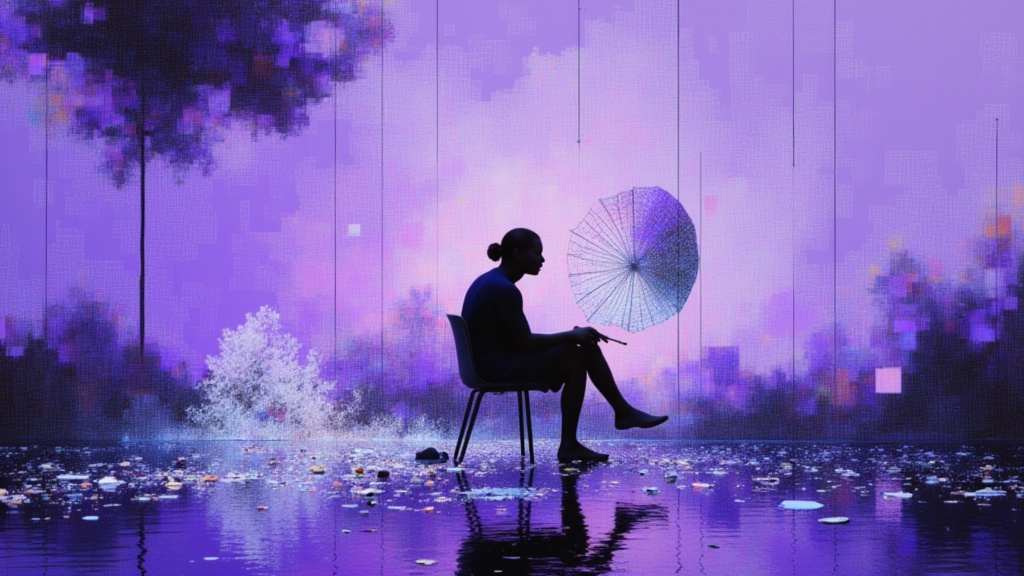
Post Processing Vignette

Add a darkening vignette effect around the edges of the image with adjustable strength
stylizedtransform
image-to-image
Nano Banana Pro
Nano Banana Pro

Nano Banana Pro is Google's new state-of-the-art image generation and editing model
realismtypography
image-to-image
Nano Banana 2
Nano Banana 2

Nano Banana 2 is Google's new state-of-the-art image generation and editing model
image-to-image
Nano Banana 2.1 Edit

Nano Banana 2.1 Edit by Google transforms reference images using text instructions, with output resolutions up to 4K and optional video or PDF context.
image editingimage to image
image-to-image
GPT Image 2.5 Sunburst Edit

Editing built for the tightest control, edits scoped precisely to the instruction, with subject and composition preserved across many rounds of revision.
stylizedtransform
image-to-image
GPT Image 2.6 Sunburst Edit✦ new
GPT Image 2.6 Sunburst Edit

Editing built for the tightest control, edits scoped precisely to the instruction, with subject and composition preserved across many rounds of revision.

stylizedtransform
image-to-image
GPT Image 2 API
GPT Image 2 API

GPT Image 2, OpenAI's latest image model, is capable of making fine-grained, detailed edits to images.

gpt-image-2openai
image-to-image
Birefnet Background Removal V2

bilateral reference framework (BiRefNet) for high-resolution dichotomous image segmentation (DIS)

background removalsegmentation
image-to-image
Nano Banana
Nano Banana

Google's famous original image generation and editing model
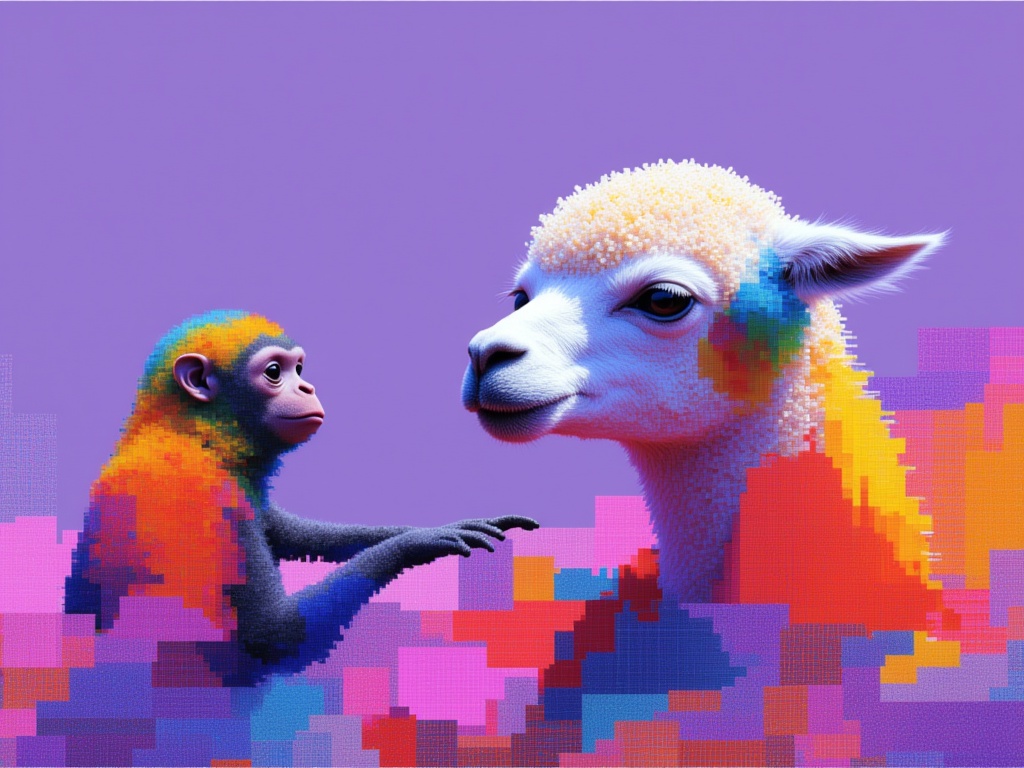
image-editing
image-to-image
GPT Image 2.5 Flare Edit

Precise image editing that changes only what's asked, keeping subject, composition, and background intact, with reference subjects staying recognizable across styles and successive edits.
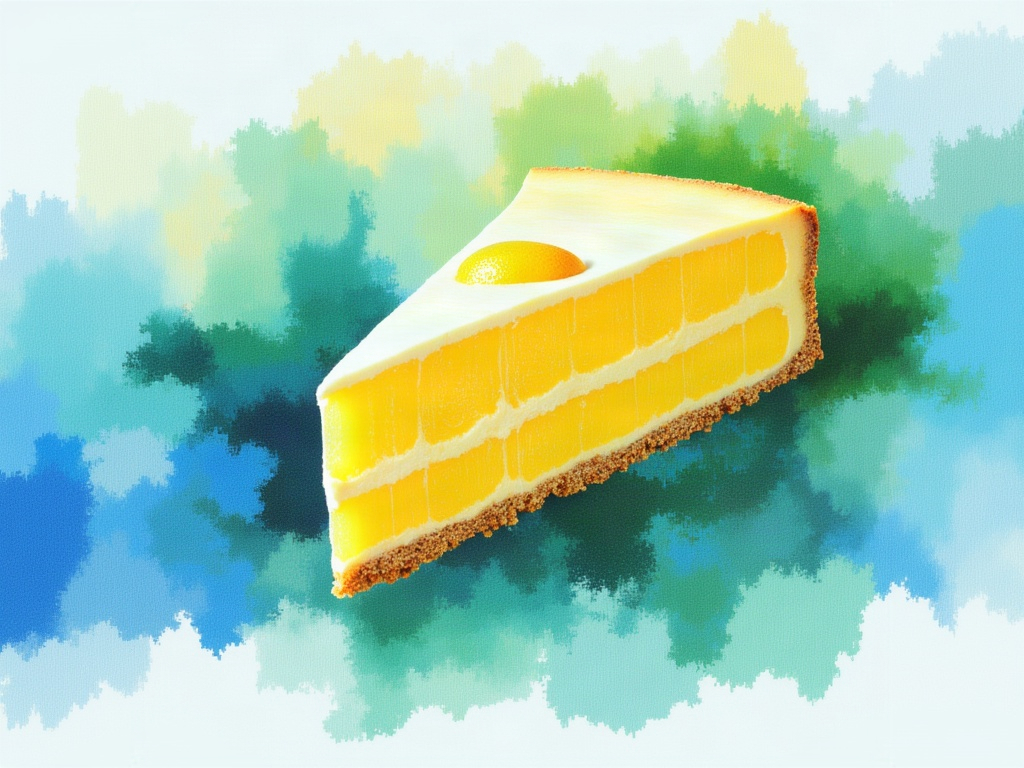
stylizedtransform
image-to-image
GPT Image 2.6 Flare Edit✦ new
GPT Image 2.6 Flare Edit

Precise image editing that changes only what's asked, keeping subject, composition, and background intact, with reference subjects staying recognizable across styles and successive edits.
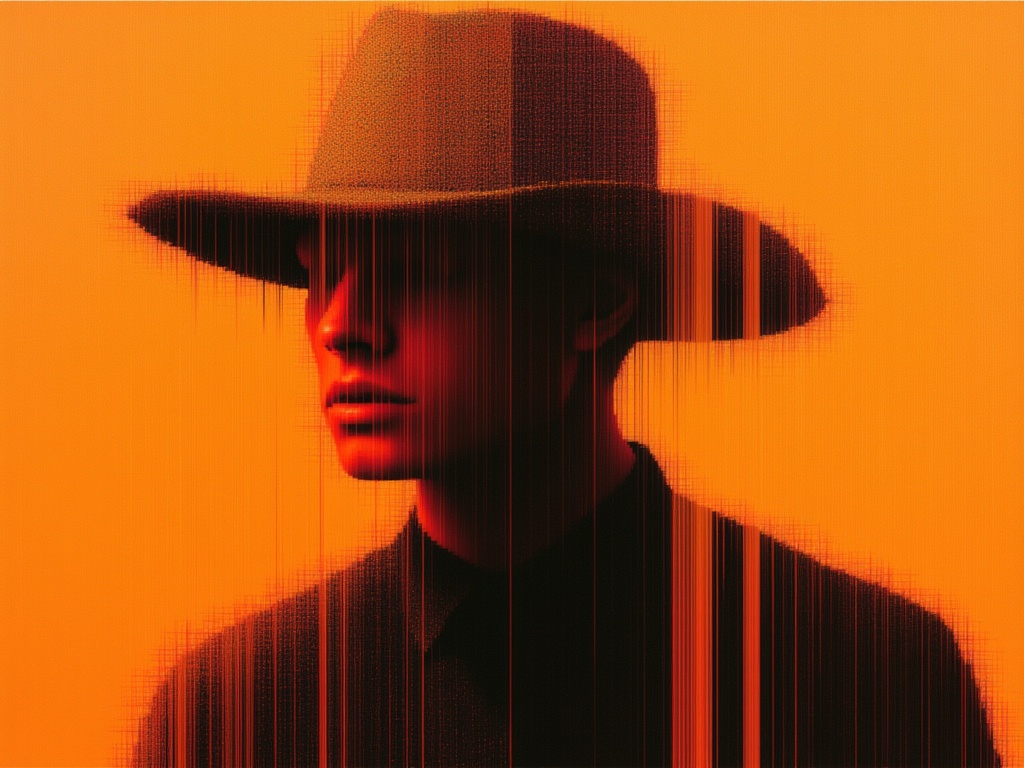
stylizedtransform
image-to-image
Seedream 5.0 Pro Image Editing

Seedream 5.0 Pro is grounded, region-precise image editing model that changes one element while keeping the rest of the frame intact with layer separation, sketch completion, and up to 10 reference images.

realismtypography
image-to-image
SeedVR2
SeedVR2

Use SeedVR2 to upscale your images

upscale
image-to-image