ExploreModels
Pricing
Explore

Kolors Image to Image

All image to image models

Photorealistic Image-to-Image

Inference$ Commercial useFrom 1 credit per run

About Kolors Image to Image

Photorealistic Image-to-Image

realismeditingdiffusion

Pricing

A run with the default settings costs 1 credits. The exact cost updates in the playground as you change settings, and you're only charged when you press Run. Failed runs are refunded automatically.

Inputs

prompttextarearequired

The prompt to generate an image from.

negative_prompttextareadefault: ""

The negative prompt to use. Use it to address details that you don't want in the image. This could be colors, objects, scenery and even the small details (e.g. moustache, blurry, low resolution).

guidance_scalenumberdefault: 5

The CFG (Classifier Free Guidance) scale is a measure of how close you want the model to stick to your prompt when looking for a related image to show you.

num_inference_stepsintegerdefault: 50

The number of inference steps to perform.

seedinteger

Seed

sync_modebooleandefault: false

If `True`, the media will be returned as a data URI and the output data won't be available in the request history.

enable_safety_checkerbooleandefault: true

Enable safety checker. Disabling it requires account authorization; unauthorized requests are always checked, and images flagged as unsafe are returned as black images.

num_imagesintegerdefault: 1

The number of images to generate.

image_sizeselect

The size of the generated image.

Options: square_hd, square, portrait_4_3, portrait_16_9, landscape_4_3, landscape_16_9

schedulerselectdefault: "EulerDiscreteScheduler"

The scheduler to use for the model.

Options: EulerDiscreteScheduler, EulerAncestralDiscreteScheduler, DPMSolverMultistepScheduler, DPMSolverMultistepScheduler_SDE_karras, UniPCMultistepScheduler, DEISMultistepScheduler

output_formatselectdefault: "png"

The format of the generated image.

Options: jpeg, png

image_urlfilerequired

URL of image to use for image to image

strengthnumberdefault: 0.85

The strength to use for image-to-image. 1.0 is completely remakes the image while 0.0 preserves the original.

More from Kolors Image to

Nano Banana Pro
Nano Banana Pro

Nano Banana Pro is Google's new state-of-the-art image generation and editing model
realismtypography
image-to-image
Nano Banana 2
Nano Banana 2

Nano Banana 2 is Google's new state-of-the-art image generation and editing model
image-to-image
Nano Banana 2.1 Edit

Nano Banana 2.1 Edit by Google transforms reference images using text instructions, with output resolutions up to 4K and optional video or PDF context.
image editingimage to image
image-to-image
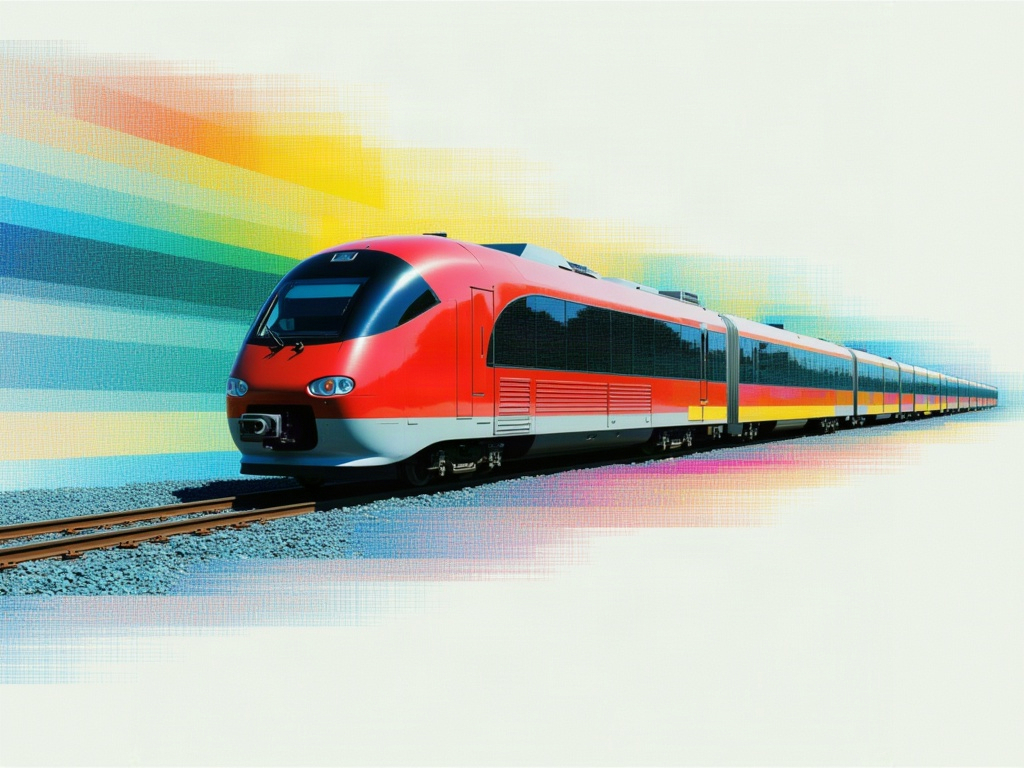
GPT Image 2.5 Sunburst Edit

Editing built for the tightest control, edits scoped precisely to the instruction, with subject and composition preserved across many rounds of revision.
stylizedtransform
image-to-image
GPT Image 2.6 Sunburst Edit✦ new
GPT Image 2.6 Sunburst Edit

Editing built for the tightest control, edits scoped precisely to the instruction, with subject and composition preserved across many rounds of revision.

stylizedtransform
image-to-image
GPT Image 2 API
GPT Image 2 API

GPT Image 2, OpenAI's latest image model, is capable of making fine-grained, detailed edits to images.

gpt-image-2openai
image-to-image
Birefnet Background Removal V2

bilateral reference framework (BiRefNet) for high-resolution dichotomous image segmentation (DIS)

background removalsegmentation
image-to-image
Nano Banana
Nano Banana

Google's famous original image generation and editing model
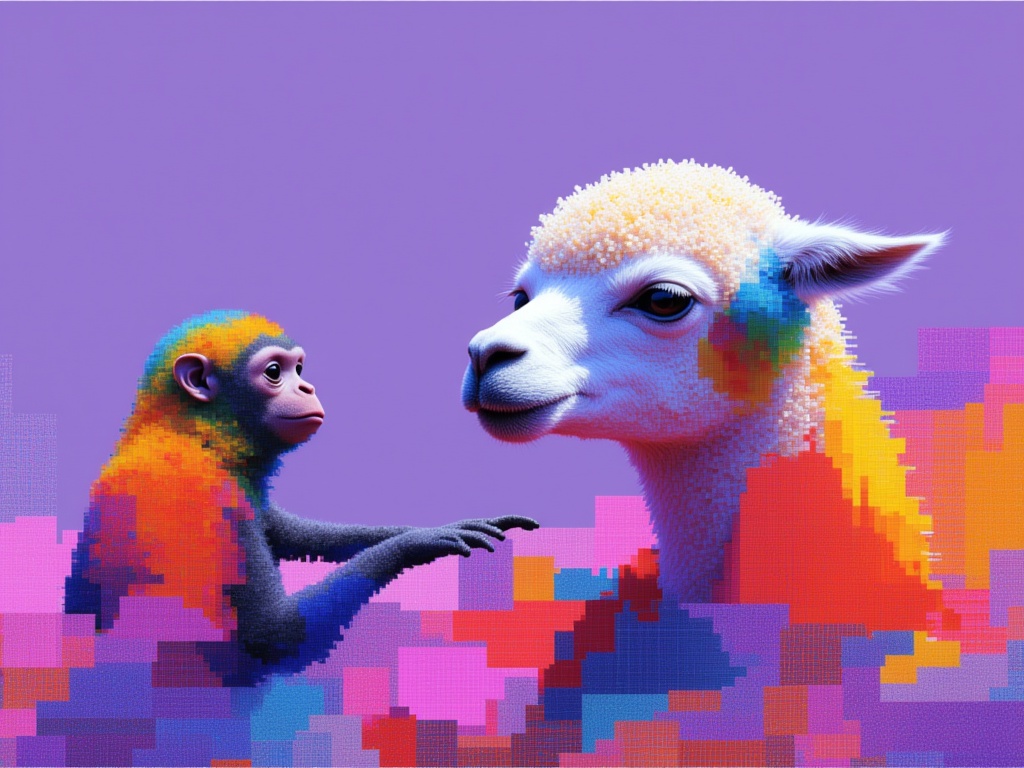
image-editing
image-to-image
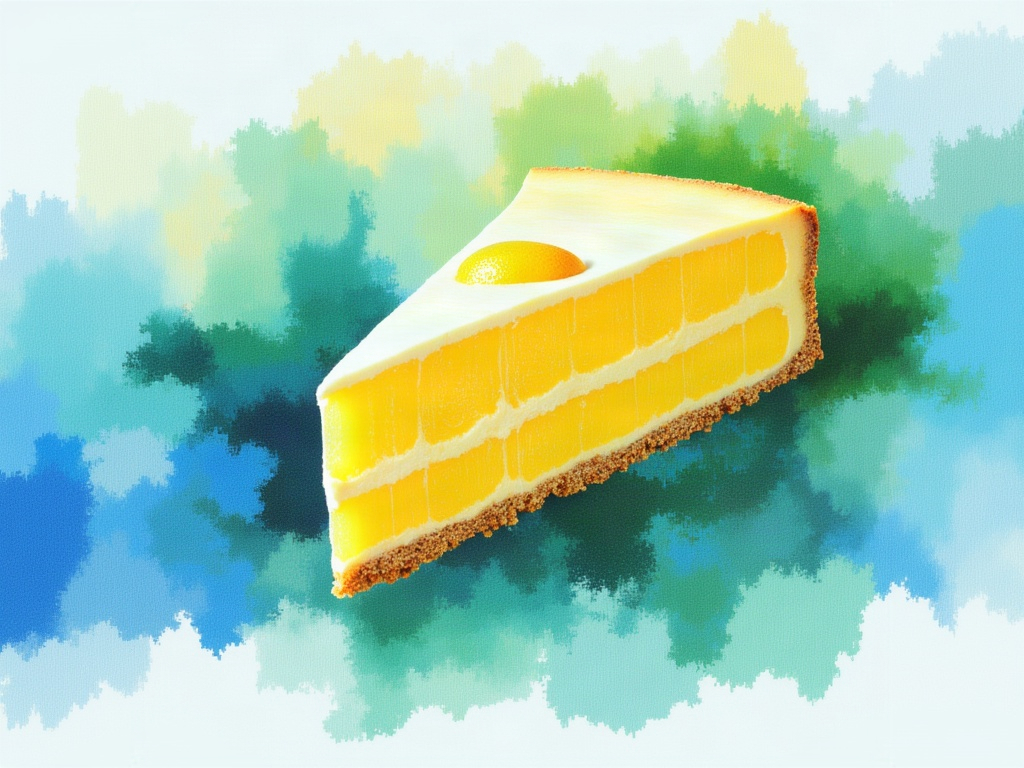
GPT Image 2.5 Flare Edit

Precise image editing that changes only what's asked, keeping subject, composition, and background intact, with reference subjects staying recognizable across styles and successive edits.
stylizedtransform
image-to-image
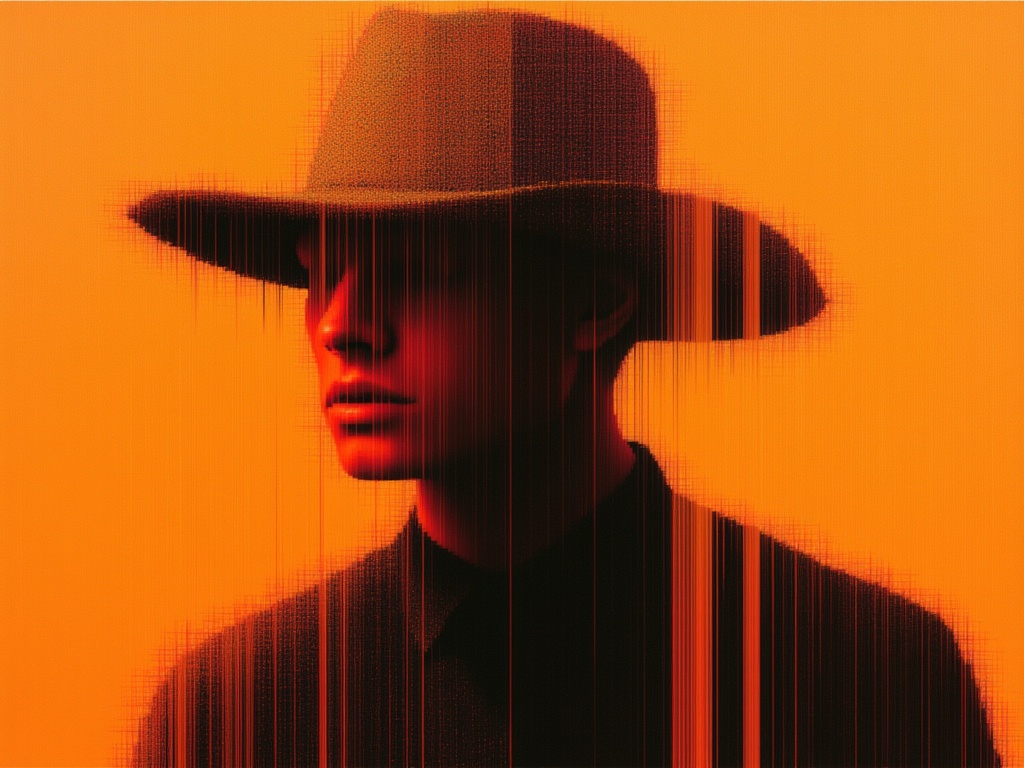
GPT Image 2.6 Flare Edit✦ new
GPT Image 2.6 Flare Edit

Precise image editing that changes only what's asked, keeping subject, composition, and background intact, with reference subjects staying recognizable across styles and successive edits.
stylizedtransform
image-to-image
Seedream 5.0 Pro Image Editing

Seedream 5.0 Pro is grounded, region-precise image editing model that changes one element while keeping the rest of the frame intact with layer separation, sketch completion, and up to 10 reference images.

realismtypography
image-to-image
SeedVR2
SeedVR2

Use SeedVR2 to upscale your images

upscale
image-to-image