ExploreModels
Pricing
Explore

Fooocus Upscale or Vary

All text to image models

Default parameters with automated optimizations and quality improvements.
InferenceFrom 1 credit per run

About Fooocus Upscale or Vary

Default parameters with automated optimizations and quality improvements.

upscalingvarystylized

Pricing

A run with the default settings costs 1 credits. The exact cost updates in the playground as you change settings, and you're only charged when you press Run. Failed runs are refunded automatically.

Inputs

prompttextareadefault: ""

The prompt to use for generating the image. Be as descriptive as possible for best results.

negative_prompttextareadefault: ""

The negative prompt to use. Use it to address details that you don't want in the image. This could be colors, objects, scenery and even the small details (e.g. moustache, blurry, low resolution).

stylesstring-listdefault: ["Fooocus V2","Fooocus Sharp","Fooocus Enhance"]

The style to use.

performanceselectdefault: "Extreme Speed"

You can choose Speed or Quality

Options: Speed, Quality, Extreme Speed, Lightning

guidance_scalenumberdefault: 4

The CFG (Classifier Free Guidance) scale is a measure of how close you want the model to stick to your prompt when looking for a related image to show you.

sharpnessnumberdefault: 2

The sharpness of the generated image. Use it to control how sharp the generated image should be. Higher value means image and texture are sharper.

aspect_ratiotextdefault: "1024x1024"

The size of the generated image. You can choose between some presets or custom height and width that **must be multiples of 8**.

num_imagesintegerdefault: 1

Number of images to generate in one request

lorasjsondefault: [{"path":"https://huggingface.co/stabilityai/stable-diffusion-xl-base-1.0/resolve/main/sd_xl_offset_example-lora_1.0.safetensors","scale":0.1}]

The LoRAs to use for the image generation. You can use up to 5 LoRAs and they will be merged together to generate the final image.

refiner_modelselectdefault: "None"

Refiner (SDXL or SD 1.5)

Options: None, realisticVisionV60B1_v51VAE.safetensors

refiner_switchnumberdefault: 0.8

Use 0.4 for SD1.5 realistic models; 0.667 for SD1.5 anime models 0.8 for XL-refiners; or any value for switching two SDXL models.

output_formatselectdefault: "jpeg"

The format of the generated image.

Options: png, jpeg, webp

sync_modebooleandefault: false

If `True`, the media will be returned as a data URI and the output data won't be available in the request history.

seedinteger

The same seed and the same prompt given to the same version of Stable Diffusion will output the same image every time.

uov_image_urlfilerequired

The image to upscale or vary.

uov_methodselectdefault: "Vary (Strong)"

The method to use for upscaling or varying.

Options: Disabled, Vary (Subtle), Vary (Strong), Upscale (1.5x), Upscale (2x), Upscale (Fast 2x)

image_prompt_1json
image_prompt_2json
image_prompt_3json
image_prompt_4json
mixing_image_prompt_and_vary_upscalebooleandefault: false

Mixing Image Prompt and Vary/Upscale

enable_safety_checkerbooleandefault: true

If set to false, the safety checker will be disabled.

More from Fooocus Upscale or

Nano Banana Pro
Nano Banana Pro

Nano Banana Pro is Google's new state-of-the-art image generation and editing model

realismtypography
text-to-image
FLUX.1 [schnell]
FLUX.1 [schnell]

FLUX.1 [schnell] is a 12 billion parameter flow transformer that generates high-quality images from text in 1 to 4 steps, suitable for personal and commercial use.
text-to-image
Nano Banana 2
Nano Banana 2

Nano Banana 2 is Google's new state-of-the-art fast image generation and editing model
text-to-image
Nano Banana 2.1
Nano Banana 2.1

Nano Banana 2.1 by Google generates images from text prompts, with output resolutions up to 4K, adjustable aspect ratios, and optional web search grounding.
image generationphotorealism
text-to-image
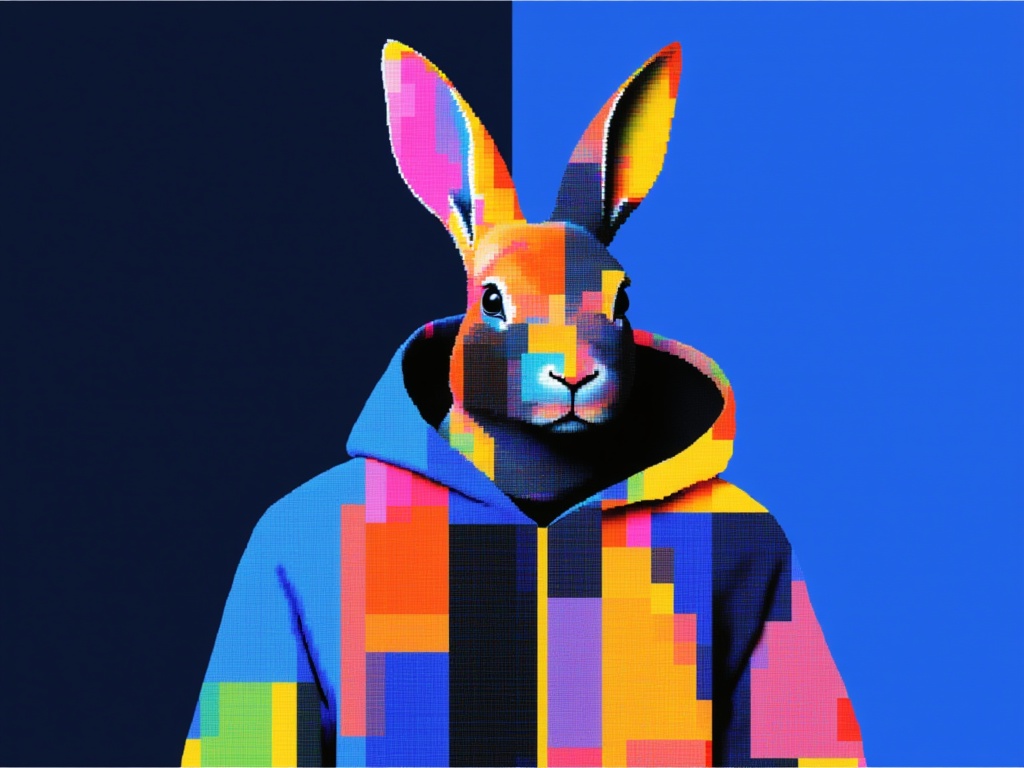
GPT Image 2 API
GPT Image 2 API

GPT Image 2, OpenAI's latest image model, is capable of creating extremely detailed images with fine typography.
gpt-image-2openai
text-to-image
GPT Image 2.5 Flare Text to Image

OpenAI's default image model for most applications. Fast, high-quality generation with natural lighting, rich textures, and support for complex layouts including transparent backgrounds.

realismtypography
text-to-image
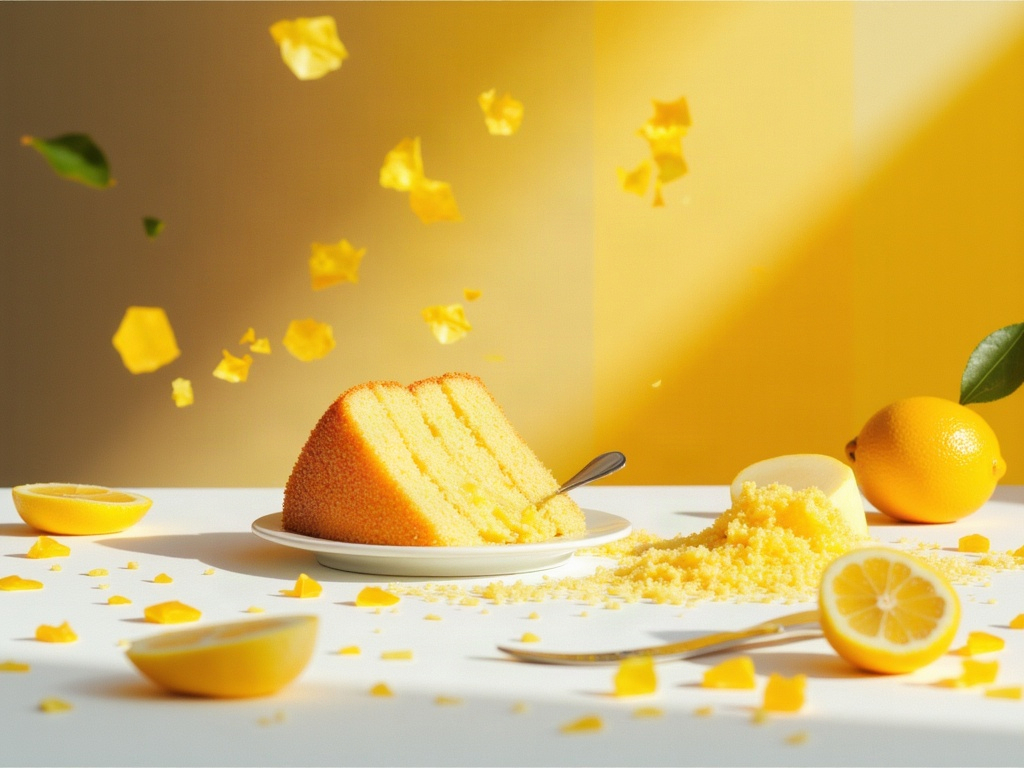
FLUX.1 [dev]
FLUX.1 [dev]

FLUX.1 [dev] is a 12 billion parameter flow transformer that generates high-quality images from text. It is suitable for personal and commercial use.
text-to-image
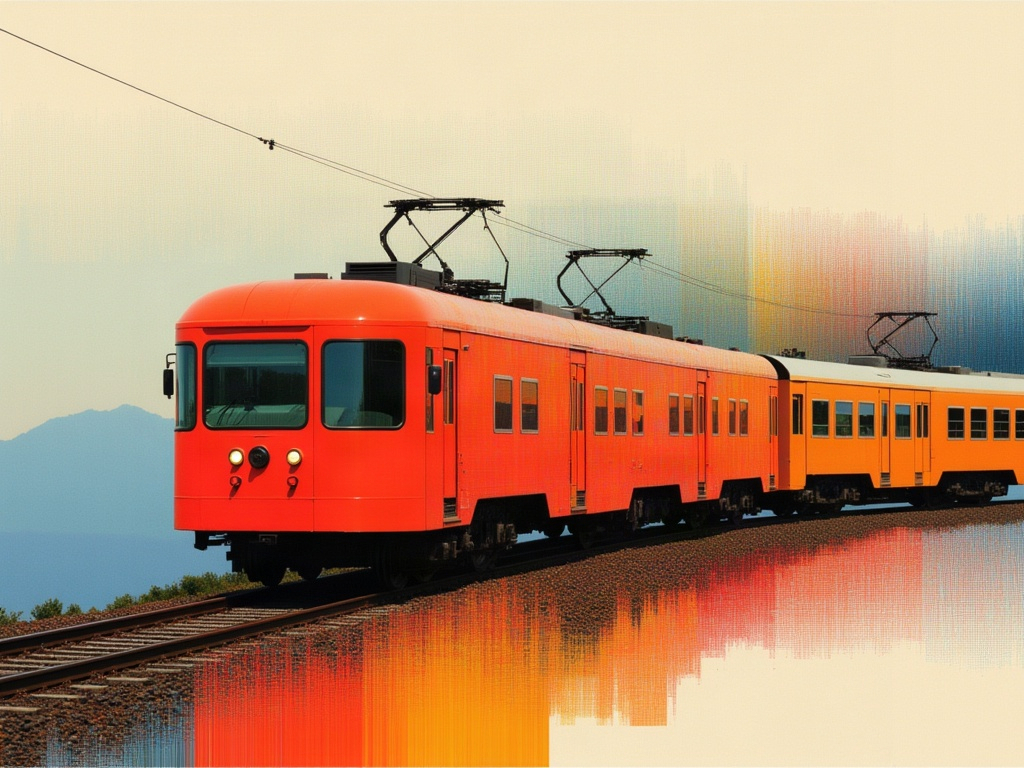
GPT Image 2.6 Flare Text to Image✦ new
GPT Image 2.6 Flare Text to Image

OpenAI's default image model for most applications. Fast, high-quality generation with natural lighting, rich textures, and support for complex layouts including transparent backgrounds.
realismtypography
text-to-image
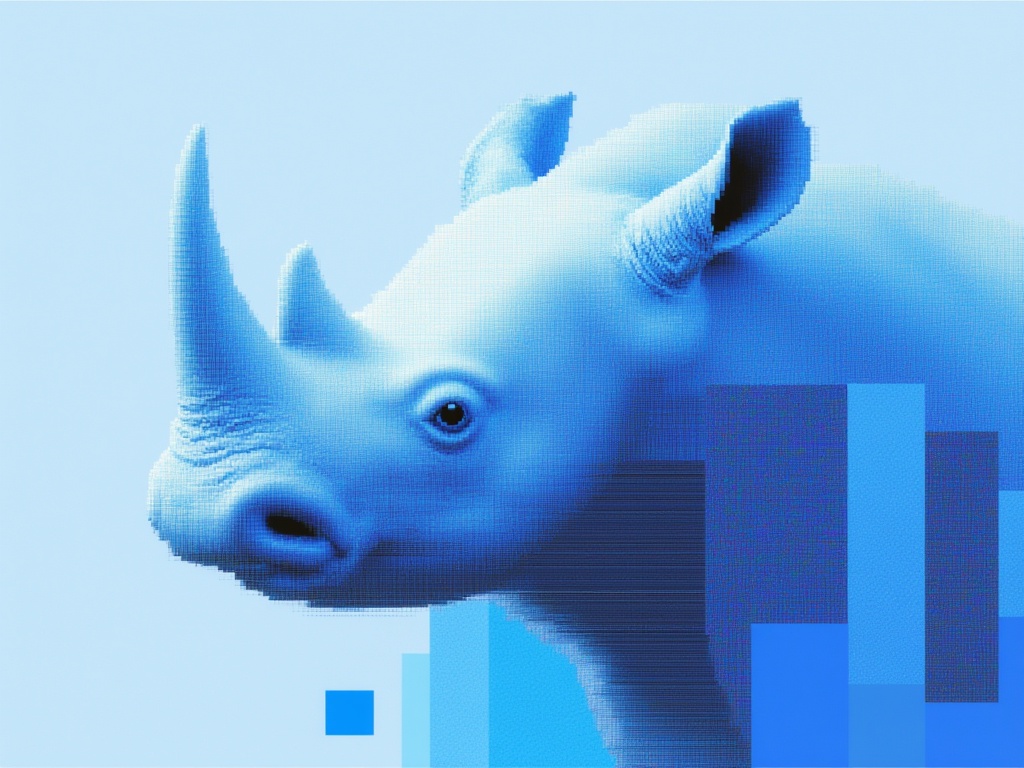
GPT Image 2.6 Sunburst Text to Image✦ new
GPT Image 2.6 Sunburst Text to Image

OpenAI's precision-focused image model, built for premium visual work, extra fidelity on intricate detail, in exchange for longer generation times.
realismtypography
text-to-image
GPT Image 2.5 Sunburst Text to Image

OpenAI's precision-focused image model, built for premium visual work, extra fidelity on intricate detail, in exchange for longer generation times.
realismtypography
text-to-image
Flux 2 Pro
Flux 2 Pro

Image editing with FLUX.2 [pro] from Black Forest Labs. Ideal for high-quality image manipulation, style transfer, and sequential editing workflows

text-to-image
Nano Banana
Nano Banana

Google's famous original image generation and editing model

image-generation
text-to-image