ExploreModels
Pricing
Explore

FLUX.1 [dev] with Controlnets and Loras

All text to image models

A versatile endpoint for the FLUX.1 [dev] model that supports multiple AI extensions including LoRA, ControlNet conditioning, and IP-Adapter integration, enabling comprehensive control over image generation through various guidance methods.

Inference$ Commercial useFrom 5 credits per run

About FLUX.1 [dev] with Controlnets and Loras

A versatile endpoint for the FLUX.1 [dev] model that supports multiple AI extensions including LoRA, ControlNet conditioning, and IP-Adapter integration, enabling comprehensive control over image generation through various guidance methods.

loracontrolnetip-adapter

Pricing

A run with the default settings costs 5 credits. The exact cost updates in the playground as you change settings, and you're only charged when you press Run. Failed runs are refunded automatically.

Inputs

prompttextarearequired

The prompt to generate an image from.

image_sizeselect

The size of the generated image.

Options: square_hd, square, portrait_4_3, portrait_16_9, landscape_4_3, landscape_16_9

num_inference_stepsintegerdefault: 28

The number of inference steps to perform.

seedinteger

The same seed and the same prompt given to the same version of the model will output the same image every time.

lorasjsondefault: []

The LoRAs to use for the image generation. You can use any number of LoRAs and they will be merged together to generate the final image.

control_lorasjsondefault: []

The LoRAs to use for the image generation which use a control image. You can use any number of LoRAs and they will be merged together to generate the final image.

controlnetsjsondefault: []

The controlnets to use for the image generation. Only one controlnet is supported at the moment.

controlnet_unionsjsondefault: []

The controlnet unions to use for the image generation. Only one controlnet is supported at the moment.

ip_adaptersjsondefault: []

IP-Adapter to use for image generation.

easycontrolsjsondefault: []

EasyControl Inputs to use for image generation.

fill_imagejson

Use an image input to influence the generation. Can be used to fill images in masked areas.

guidance_scalenumberdefault: 3.5

The CFG (Classifier Free Guidance) scale is a measure of how close you want the model to stick to your prompt when looking for a related image to show you.

real_cfg_scalenumberdefault: 3.5

The CFG (Classifier Free Guidance) scale is a measure of how close you want the model to stick to your prompt when looking for a related image to show you.

use_real_cfgbooleandefault: false

Uses classical CFG as in SD1.5, SDXL, etc. Increases generation times and price when set to be true. If using XLabs IP-Adapter v1, this will be turned on!.

use_cfg_zerobooleandefault: false

Uses CFG-zero init sampling as in https://arxiv.org/abs/2503.18886.

sync_modebooleandefault: false

If `True`, the media will be returned as a data URI and the output data won't be available in the request history.

num_imagesintegerdefault: 1

The number of images to generate. This is always set to 1 for streaming output.

enable_safety_checkerbooleandefault: true

If set to true, the safety checker will be enabled. Disabling it requires account authorization; unauthorized requests are always checked, and images flagged as unsafe are returned as black images.

reference_image_urlfile

URL of Image for Reference-Only

reference_strengthnumberdefault: 0.65

Strength of reference_only generation. Only used if a reference image is provided.

reference_startnumberdefault: 0

The percentage of the total timesteps when the reference guidance is to bestarted.

reference_endnumberdefault: 1

The percentage of the total timesteps when the reference guidance is to be ended.

base_shiftnumberdefault: 0.5

Base shift for the scheduled timesteps

max_shiftnumberdefault: 1.15

Max shift for the scheduled timesteps

output_formatselectdefault: "png"

The format of the generated image.

Options: jpeg, png

use_beta_schedulebooleandefault: false

Specifies whether beta sigmas ought to be used.

sigma_scheduletext

Sigmas schedule for the denoising process.

schedulerselectdefault: "euler"

Scheduler for the denoising process.

Options: euler, dpmpp_2m

negative_prompttextareadefault: ""

Negative prompt to steer the image generation away from unwanted features. By default, we will be using NAG for processing the negative prompt.

nag_scalenumberdefault: 3

The scale for NAG. Higher values will result in a image that is more distant to the negative prompt.

nag_taunumberdefault: 2.5

The tau for NAG. Controls the normalization of the hidden state. Higher values will result in a less aggressive normalization, but may also lead to unexpected changes with respect to the original image. Not recommended to change this value.

nag_alphanumberdefault: 0.25

The alpha value for NAG. This value is used as a final weighting factor for steering the normalized guidance (positive and negative prompts) in the direction of the positive prompt. Higher values will result in less steering on the normalized guidance where lower values will result in considering the positive prompt guidance more.

nag_endnumberdefault: 0.25

The proportion of steps to apply NAG. After the specified proportion of steps has been iterated, the remaining steps will use original attention processors in FLUX.

More from FLUX.1 [dev] with

Nano Banana Pro
Nano Banana Pro

Nano Banana Pro is Google's new state-of-the-art image generation and editing model

realismtypography
text-to-image
FLUX.1 [schnell]
FLUX.1 [schnell]

FLUX.1 [schnell] is a 12 billion parameter flow transformer that generates high-quality images from text in 1 to 4 steps, suitable for personal and commercial use.
text-to-image
Nano Banana 2
Nano Banana 2

Nano Banana 2 is Google's new state-of-the-art fast image generation and editing model
text-to-image
Nano Banana 2.1
Nano Banana 2.1

Nano Banana 2.1 by Google generates images from text prompts, with output resolutions up to 4K, adjustable aspect ratios, and optional web search grounding.
image generationphotorealism
text-to-image
GPT Image 2 API
GPT Image 2 API

GPT Image 2, OpenAI's latest image model, is capable of creating extremely detailed images with fine typography.
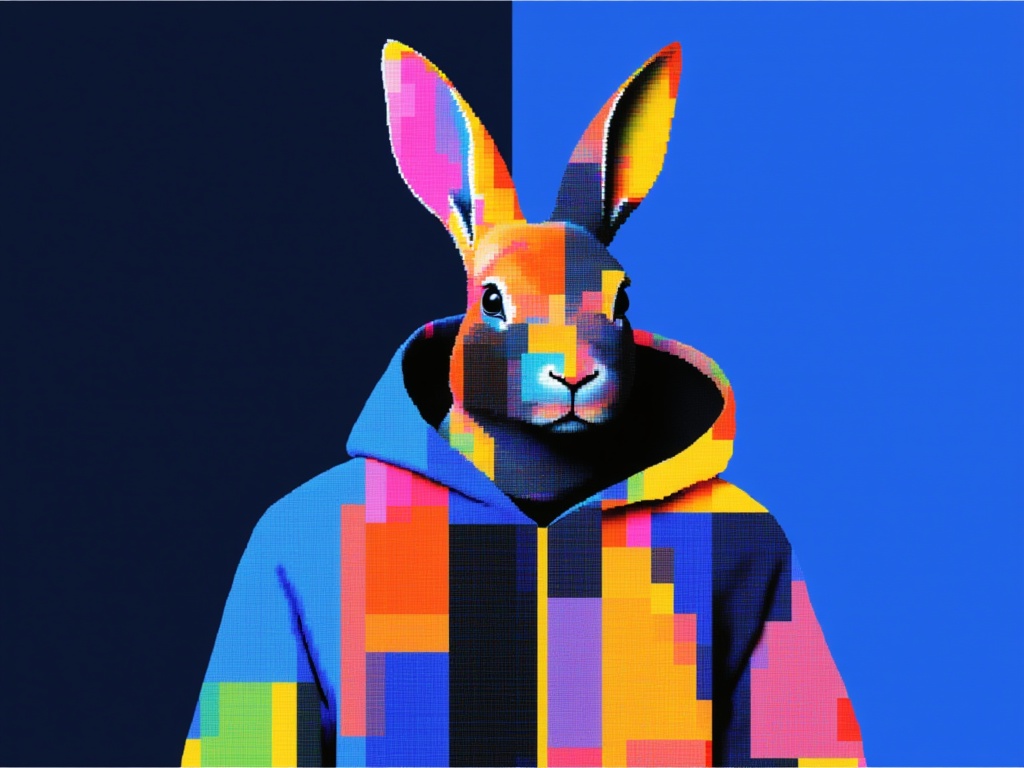
gpt-image-2openai
text-to-image
GPT Image 2.5 Flare Text to Image

OpenAI's default image model for most applications. Fast, high-quality generation with natural lighting, rich textures, and support for complex layouts including transparent backgrounds.

realismtypography
text-to-image
FLUX.1 [dev]
FLUX.1 [dev]

FLUX.1 [dev] is a 12 billion parameter flow transformer that generates high-quality images from text. It is suitable for personal and commercial use.
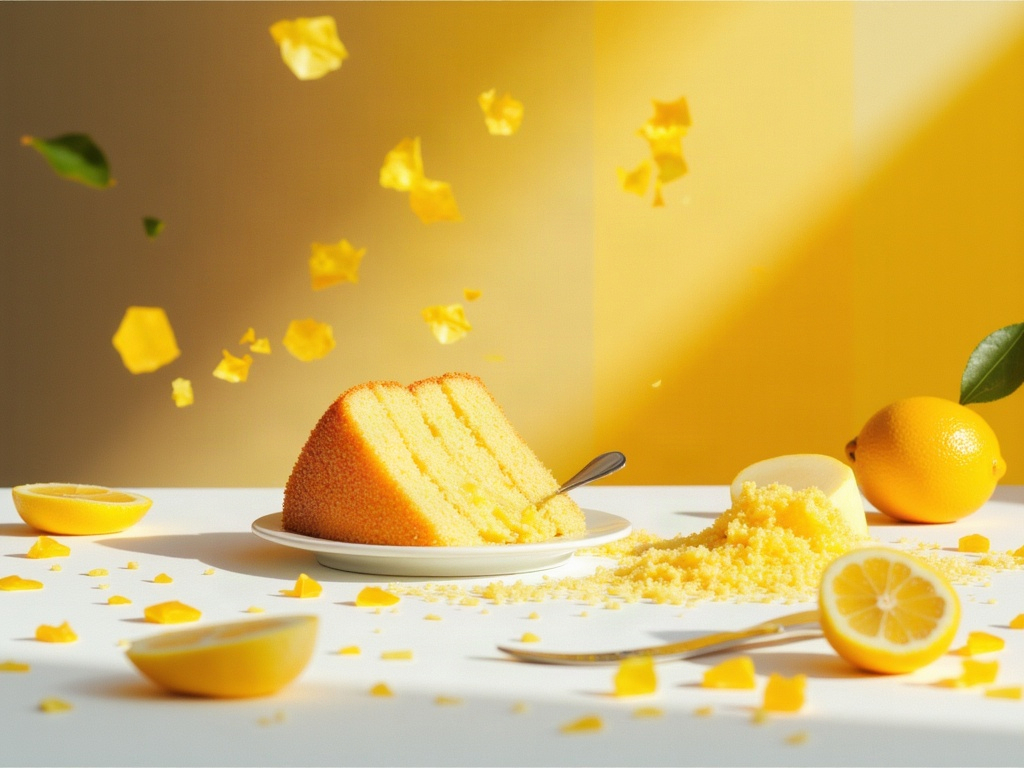
text-to-image
GPT Image 2.6 Flare Text to Image✦ new
GPT Image 2.6 Flare Text to Image

OpenAI's default image model for most applications. Fast, high-quality generation with natural lighting, rich textures, and support for complex layouts including transparent backgrounds.
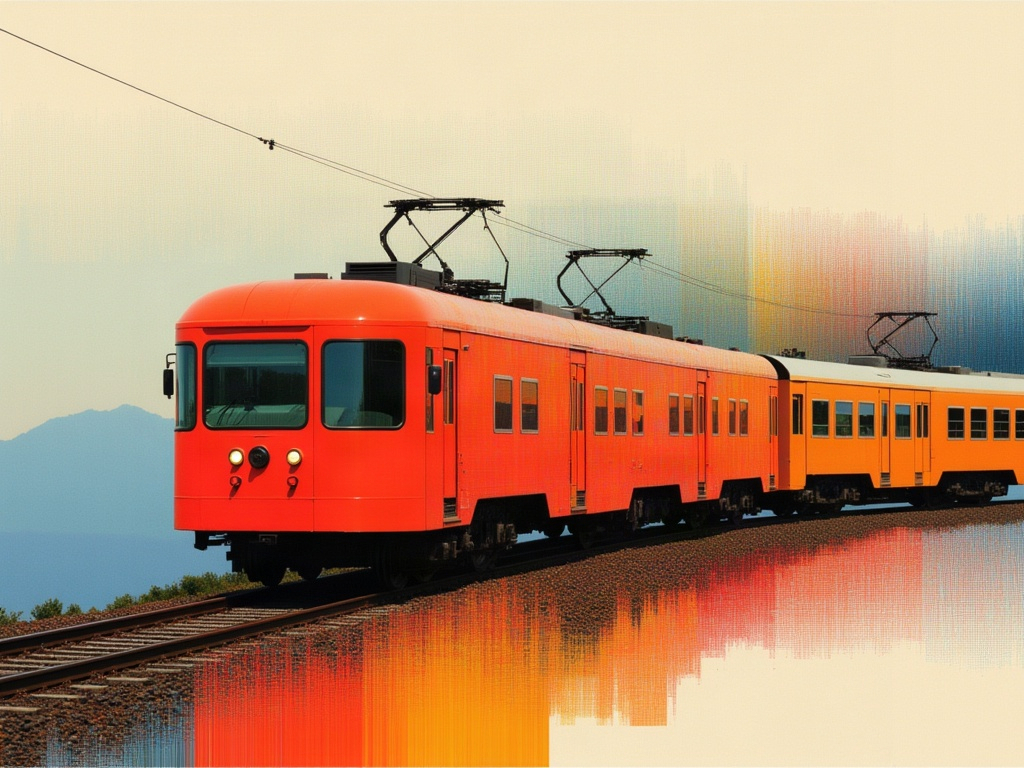
realismtypography
text-to-image
GPT Image 2.6 Sunburst Text to Image✦ new
GPT Image 2.6 Sunburst Text to Image

OpenAI's precision-focused image model, built for premium visual work, extra fidelity on intricate detail, in exchange for longer generation times.
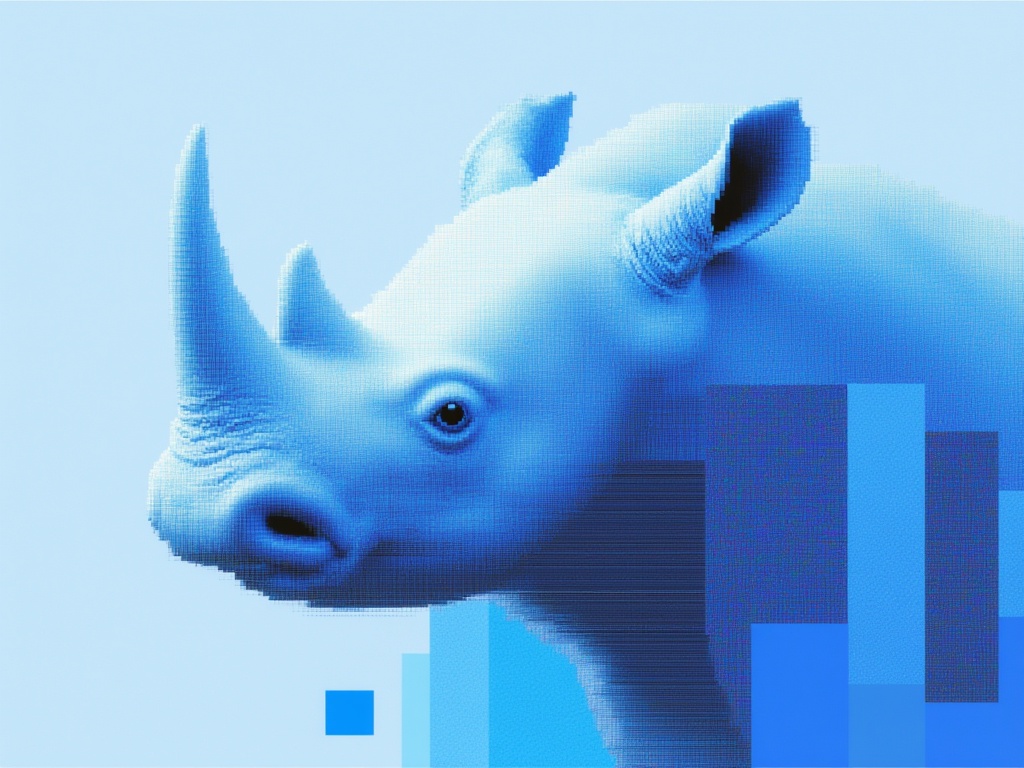
realismtypography
text-to-image
GPT Image 2.5 Sunburst Text to Image

OpenAI's precision-focused image model, built for premium visual work, extra fidelity on intricate detail, in exchange for longer generation times.
realismtypography
text-to-image
Flux 2 Pro
Flux 2 Pro

Image editing with FLUX.2 [pro] from Black Forest Labs. Ideal for high-quality image manipulation, style transfer, and sequential editing workflows

text-to-image
Nano Banana
Nano Banana

Google's famous original image generation and editing model

image-generation
text-to-image